

-
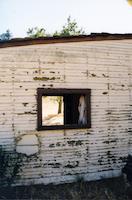 Freeman-Mariani | Mariani barn close up of peeling siding
 -
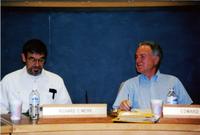 Council and Staff | Richard Merk, Ed Davis
 -
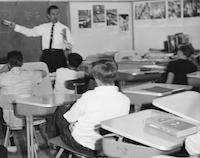 Students | Lessons in new PVS
 -
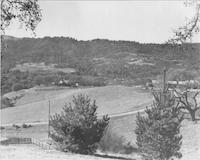 Scenery | Portola Valley vista
 -
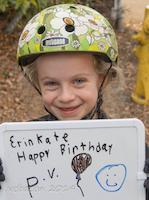 Incorporation Celebration, 2014 | People with signs about celebrating
 -
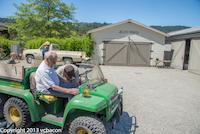 Jelich | Jelich Reunion - 4 generations + Cindie White
 -
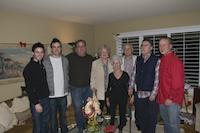 Ramies | Ramies family
 -
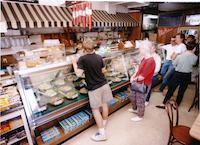 Ladera | Ladera Deli counter
 -
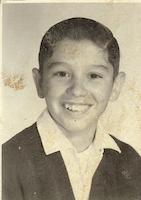 Ramies | Manuel Ramies scans
 -
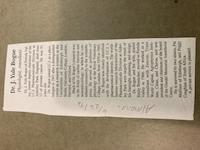 Obituaries | Dr. J. Yule Bogue
 -
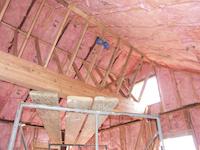 Repair of Freeman House | Freeman house repair
 -
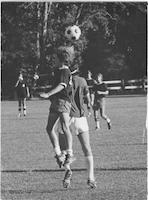 1970s Soccer | Soccer photos from the early 1970s
 -
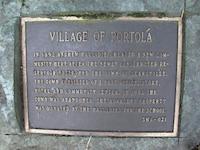 Logos and Symbols | Portola marker
 -
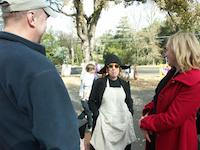 2009 Artists' Fair | 2009 Artists' Fair at Historic Schoolhouse
 -
 Landslides | landslide on Westridge
About This Site
Welcome to the Portola Valley Historic Resources Group archives. This site lets you explore local history and contribute your own materials to help preserve it for future generations. See the About PVHRG page to learn more about our group.
What You Can Do
- Search for historical items.
- Browse by Collections or Keywords.
- View photos, documents, audio, and video.
- Submit your own items to the archives.
Finding Items
Search Box: Looks for words in titles, descriptions, names, and places.
Advanced Search: Lets you search specific fields, combine multiple rules, and limit results to certain collections.